
DraftVerify Registry
The digital record behind the labels.
The physical tags show staff what belongs where. The Registry keeps track of what each tag means and when the setup was checked.
See the full process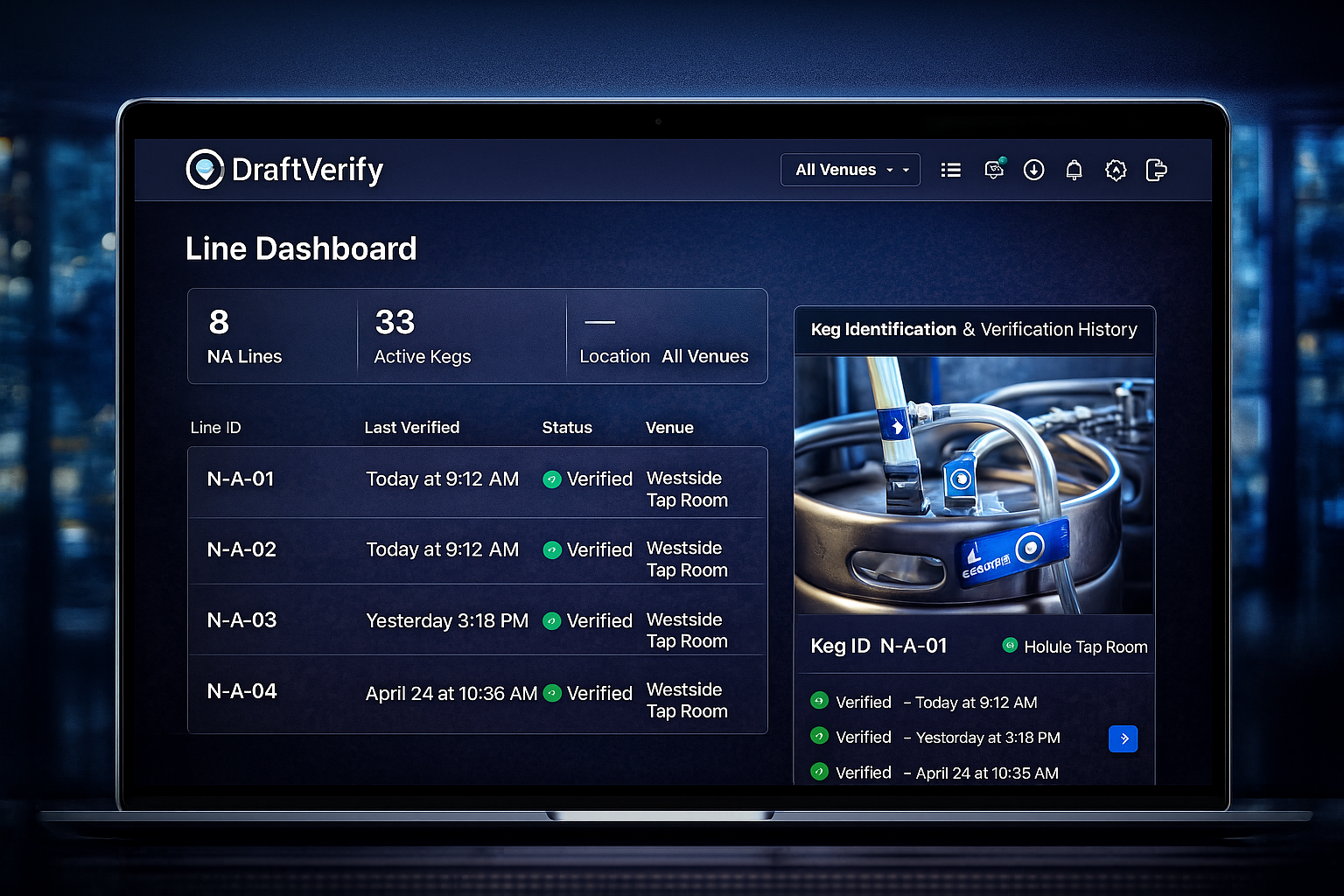
01What is it?Which product or piece of equipment the tag belongs to.
02Where is it?Which venue, line or tap it is connected to.
03Was it checked?A history of verification and important changes.
04Is it certified?The current DraftVerify certification status.
Why the registry matters
A sticker can be copied. A live record tells you the current status.
If a business says it is DraftVerify certified, the Registry is where that status is checked. It also helps operators keep their physical draft setup matched to their records.
See how certification works →
For staff
Simple information.
What this tag belongs to, where it should connect, and whether the setup matches.
For managers
A history you can check later.
See important setup changes, verification events and certification status.